 COME
COMECOME account access after changing phones
Installing the package and returning to an account are separate tasks; preserve the existing recovery route.
Work through this situation
Copying an installer does not copy a signed-in session or prove access to account history. Confirm the recognised login or recovery method before giving up the old working device.
What to check and why
Before retiring the old device, confirm the recognised sign-in and recovery route for the existing account. Keep recovery information private and available through the service's legitimate process. An APK can be copied or downloaded independently of the account; it does not contain a transferable proof of your right to access that account.
On the new device, verify installation and first opening, then sign in through the recognised route. Check the intended account context before interpreting history or reward progress. If access fails, preserve the exact error and seek the relevant account help. Creating another account can produce a different history rather than restoring the original one.
Recognise the relevant screen
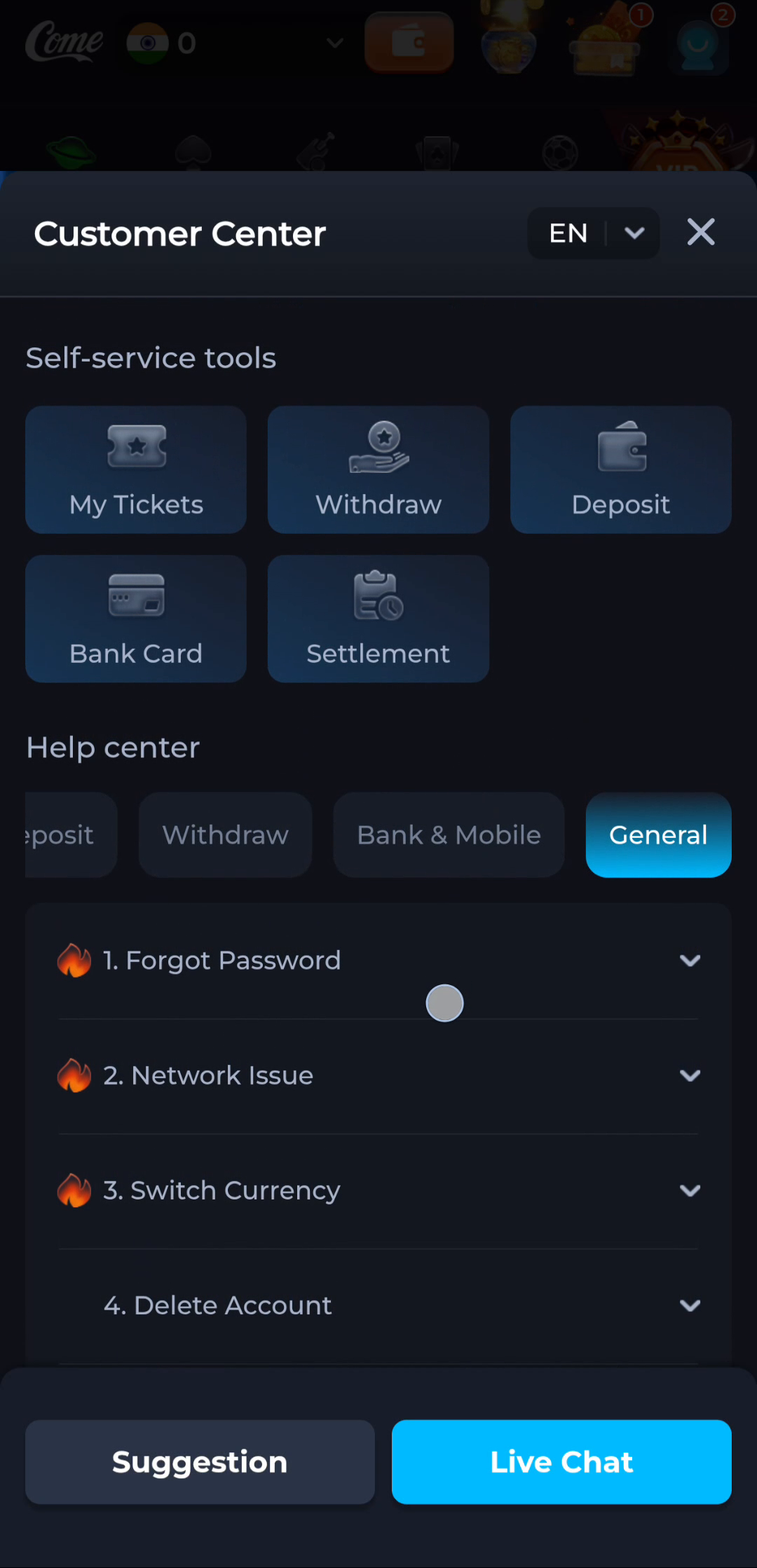
Identify the exact device stage
A completed browser download says that a file was saved. Android separately decides whether it can install the package, and the app separately handles its first loading and account access. Keep Play Protect active and read the full device message. A working installation is worth preserving while you investigate a different release or an unexplained error.
What a completed answer looks like
The new device and the account are each verified through their own legitimate process.
Continue from the stage you have actually confirmed. Preserve the exact message when a step remains unresolved.
Choose another specific COME guide